One-click collection
Open any Shopify App Store page, click once, and the extension pulls every visible review — ratings, dates, merchant info, and developer replies.
Collect, export, and analyze Shopify App Store reviews without building a scraper. Let AI surface the pain points your competitors are missing.
No sign-up · Runs in your browser · Works on any Shopify App Store page
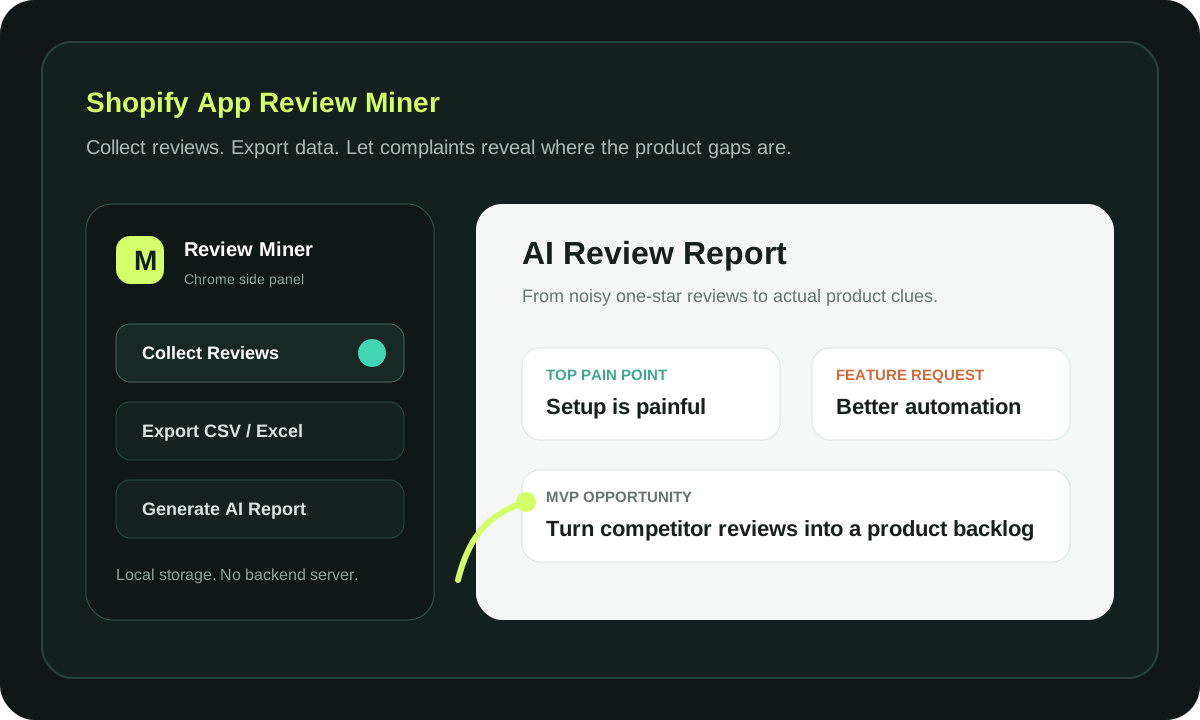
No scraper infrastructure. No backend. No data leaving your browser unless you say so.
Open any Shopify App Store page, click once, and the extension pulls every visible review — ratings, dates, merchant info, and developer replies.
Export clean, structured spreadsheets with UTF-8 BOM and Excel-friendly escaping. Pain tags are pre-classified so you can filter immediately.
Send collected reviews to your own OpenAI-compatible endpoint and get a structured report — pain points, feature requests, and MVP opportunities.
No backend server. No database. Reviews and API keys live in Chrome local storage. Data leaves your device only when you click Generate AI Report.
Navigate to any app on apps.shopify.com. The extension detects the page automatically.
Click the extension icon, hit Collect Reviews. The side panel grabs every visible review and auto-loads more.
Download CSV/XLSX immediately, or send reviews to your AI endpoint for a structured opportunity analysis.
Shopify App Review Miner runs entirely in your browser. No backend server, no database, no tracking. Reviews, API keys, and reports are stored in Chrome local storage — and review data is sent to an AI API only when you explicitly click Generate AI Report.
Install the extension from the Chrome Web Store, navigate to any app page on apps.shopify.com, click the extension icon, hit Collect Reviews, then click Export CSV or Export Excel. The file downloads immediately with all reviews, ratings, dates, and merchant info.
Yes, completely free. No sign-up, no subscription, no hidden costs. The extension runs entirely in your browser — there's no backend server to pay for.
No. All collected reviews, API keys, and reports stay in Chrome local storage on your device. Review data is sent to an AI API only when you explicitly click Generate AI Report.
Yes. Configure any OpenAI-compatible endpoint in the extension's Settings page. You can set a custom base URL, API key, and model name. The default is OpenAI, but any compatible provider works.
Yes. It works on any app listing page on apps.shopify.com. The extension detects the page automatically and collects all visible reviews, including developer replies.
The extension auto-loads reviews across multiple pages, collecting every visible review on the app listing. There's no artificial limit — it grabs everything available on the page.
Install the extension, open a Shopify App Store page, and start turning merchant feedback into your next product decision.